
PhotoWidget

A Variety of Widgets

Calendar Widget

Check the date with beautiful standalone calendar widgets that match your personal style.

CalendarWidgetProductivity
Included in version: v3.0.0
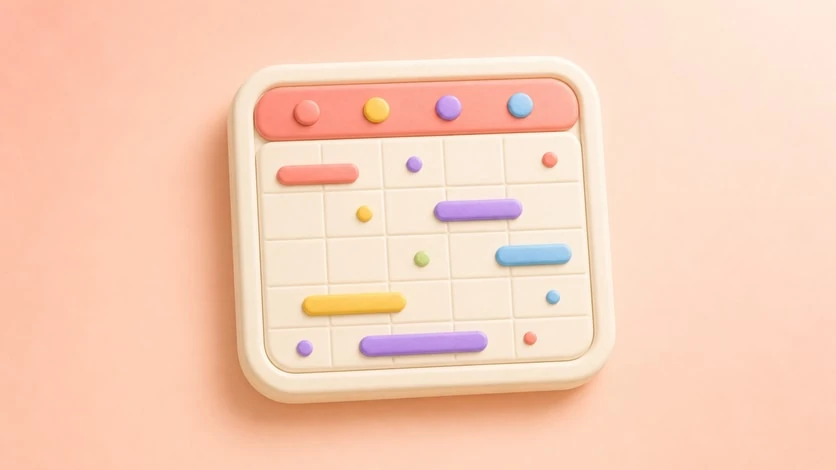
Calendar Widget preview

Your Schedule, Your Style


The calendar widget brings the date to your home screen beautifully. It is PhotoWidget's own calendar display, so it focuses on visual style, month layout, and home screen balance rather than syncing events from another calendar app.


Calendar Styles


  • Monthly view: A clean calendar layout for everyday date checking
  • Compact view: A smaller calendar look for balanced home screen layouts
  • Minimal date: A simple date-first style for quiet setups
  • Dual-style layouts: Pair calendar looks with matching widget designs

  • Customization Options


  • Background color and opacity
  • Font style and size
  • First day of week (Sunday/Monday)
  • Month-name and language options
  • Matching styles for photo, clock, and theme setups

  • How to Set Up


  • Create a new widget and select Calendar type
  • Choose your preferred layout style
  • Customize colors, fonts, and display options
  • Place it on your home screen
  • Pair it with photo or clock widgets for a complete theme
  • Refresh your home screen with your photos

    Choose an album in PhotoWidget, tune the size and style, then place it on your screen.

    Download on the App Store