
PhotoWidget

A Variety of Widgets

Clock Widget

Design analog and digital clock widgets with fonts, colors, backgrounds, and size controls.

ClockWidgetCustomize
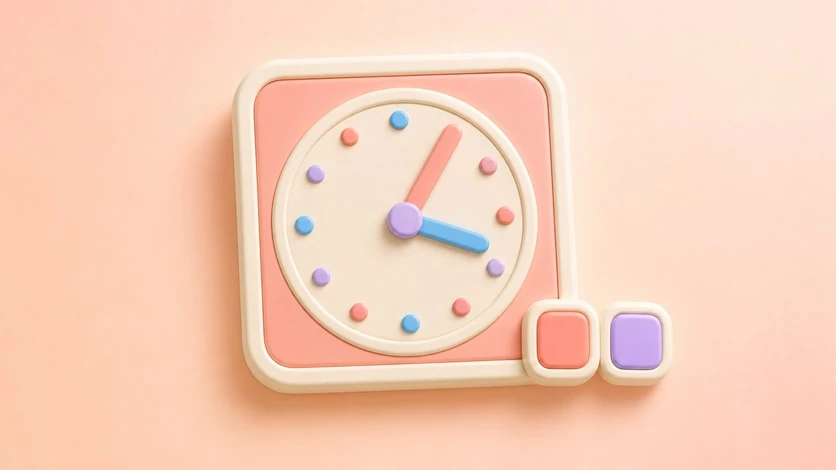
Clock Widget preview

Time, Styled for Your Home Screen


The Clock Widget makes time feel like part of your design, not a default system block. Use a quiet digital clock, a soft analog face, or a bolder style that anchors your whole home screen theme.


What It Does


  • Shows clock widgets in styled layouts
  • Supports analog and digital clock looks
  • Lets you pair time with photos, colors, and frames
  • Helps balance utility widgets with aesthetic setups

  • Customization Options


  • Digital or analog style
  • Font and color choices
  • Background color or image
  • Frame and border styling
  • Clock size adjustment
  • Matching styles for calendar, photo, and theme layouts

  • Best For


  • Minimal time display on a clean setup
  • Large clock widgets for focus pages
  • Small clocks beside photo or calendar widgets
  • Seasonal, vintage, pastel, or dark mode home screens

  • How to Set Up


  • Create a new widget and choose Clock.
  • Pick an analog or digital style.
  • Adjust font, color, background, and size.
  • Preview it next to your wallpaper and icons.
  • Save and place it on your Home Screen.

  • Pairs Well With


  • Calendar Widget
  • Photo Widget
  • Custom Frames
  • Refresh your home screen with your photos

    Choose an album in PhotoWidget, tune the size and style, then place it on your screen.

    Download on the App Store