
PhotoWidget

Decorating Features

Font & Color Customization

Adjust fonts, text sizes, colors, and backgrounds so each widget matches your Home Screen style.

FontCustomize
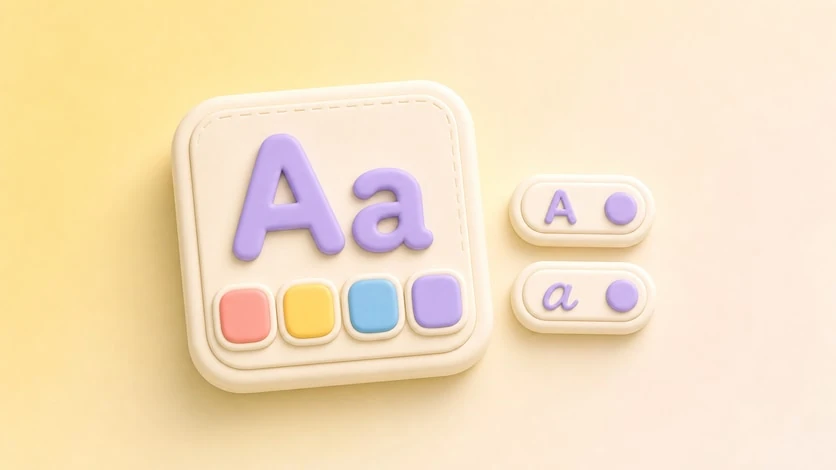
Font & Color Customization preview

Make Text Widgets Feel Designed


Font and color customization gives text-based widgets the same care as photo widgets. Use it to tune memo, to-do, D-Day, quote, clock, and calendar widgets so they feel like part of one screen.


Key Options


  • Font styling
  • Text-size controls
  • Text color
  • Background color
  • Theme-friendly contrast

  • Best For


  • Matching widget text with wallpaper
  • Making small widgets easier to read
  • Creating calm or bold visual styles
  • Keeping utility widgets aesthetically consistent

  • How to Use It


  • Open a widget with text or numbers.
  • Choose a font style.
  • Adjust text size and color.
  • Match the background with your wallpaper.
  • Preview the widget before placing it.
  • Refresh your home screen with your photos

    Choose an album in PhotoWidget, tune the size and style, then place it on your screen.

    Download on the App Store