A Variety of Widgets
To-Do Widget
Keep a lightweight task list on your Home Screen with a to-do widget designed for quick daily checks.
To-doWidgetProductivity
Published
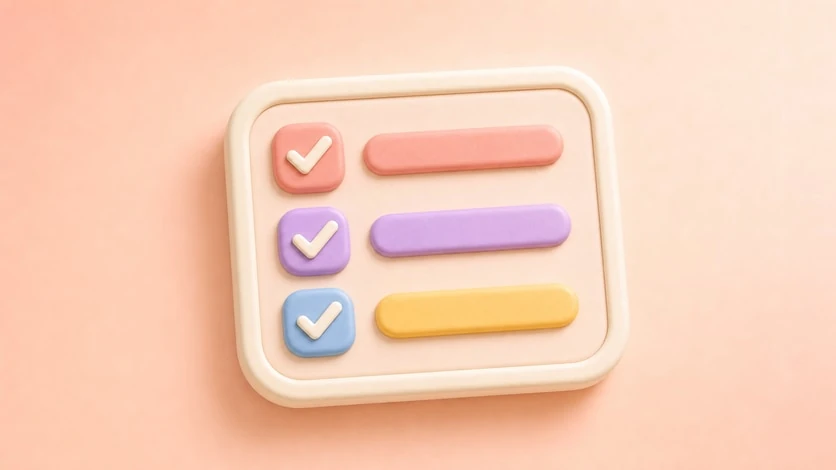
Tasks Where You Can See Them
The to-do widget keeps simple tasks visible at a glance. It is designed for lightweight daily lists, not heavy project management, so it works well beside photo, calendar, and clock widgets.
Key Options
- Simple task-list display
- Text styling
- Background styling
- Compact widget layouts
- Theme-friendly visual settings
Best For
- Daily checklists
- Study plans
- Habit prompts
- Errands and small reminders
- Minimal productivity setups
How to Use It
- Create a new widget and choose the to-do type.
- Add the tasks you want to see.
- Style the list to match your setup.
- Choose the widget size.
- Place it where you check your phone most often.
Refresh your home screen with your photos
Choose an album in PhotoWidget, tune the size and style, then place it on your screen.