
PhotoWidget

A Variety of Templates

Wallpaper Templates

Start with wallpaper templates that set the color, mood, and composition for your iPhone Home Screen.

WallpaperTemplate
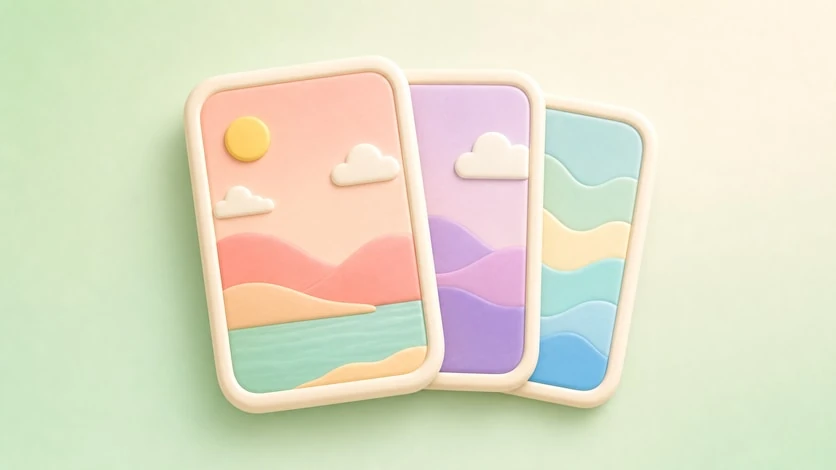
Wallpaper Templates preview

Set the Mood First


Wallpaper templates are the visual base of the Home Screen. Choose one first, then match widgets and icons around its color, spacing, and mood.


Key Options


  • Curated wallpaper styles
  • Aesthetic color directions
  • Widget-friendly compositions
  • Home Screen and Lock Screen usage
  • Pairing with icon and widget templates

  • Best For


  • Starting a new setup
  • Matching colors across the screen
  • Building seasonal styles
  • Making widgets feel intentional

  • How to Use It


  • Browse wallpaper templates.
  • Choose a visual style.
  • Save or apply the wallpaper.
  • Pick matching widget and icon templates.
  • Adjust the final layout on your Home Screen.
  • Refresh your home screen with your photos

    Choose an album in PhotoWidget, tune the size and style, then place it on your screen.

    Download on the App Store