Embrace the Blur
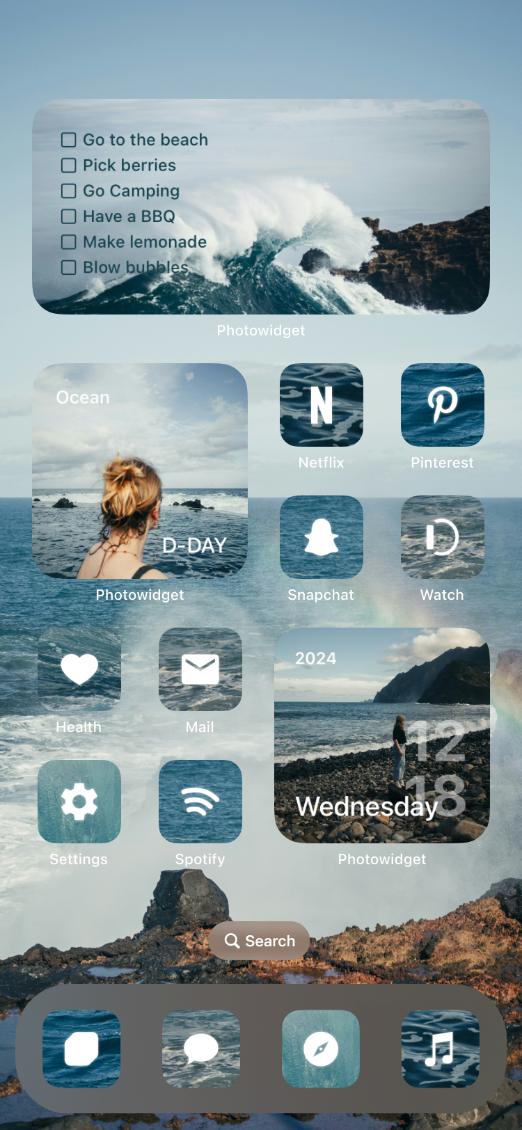
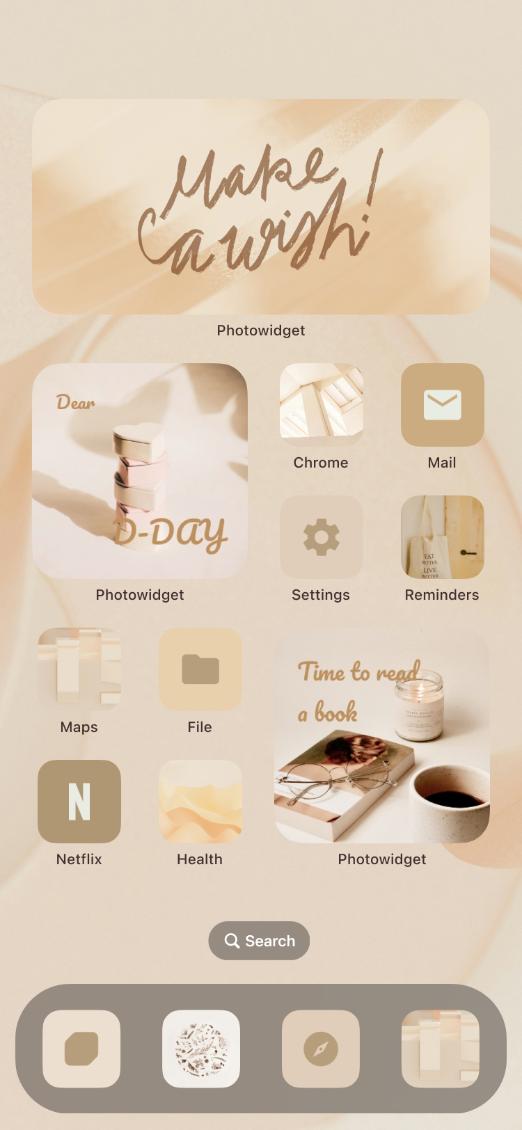
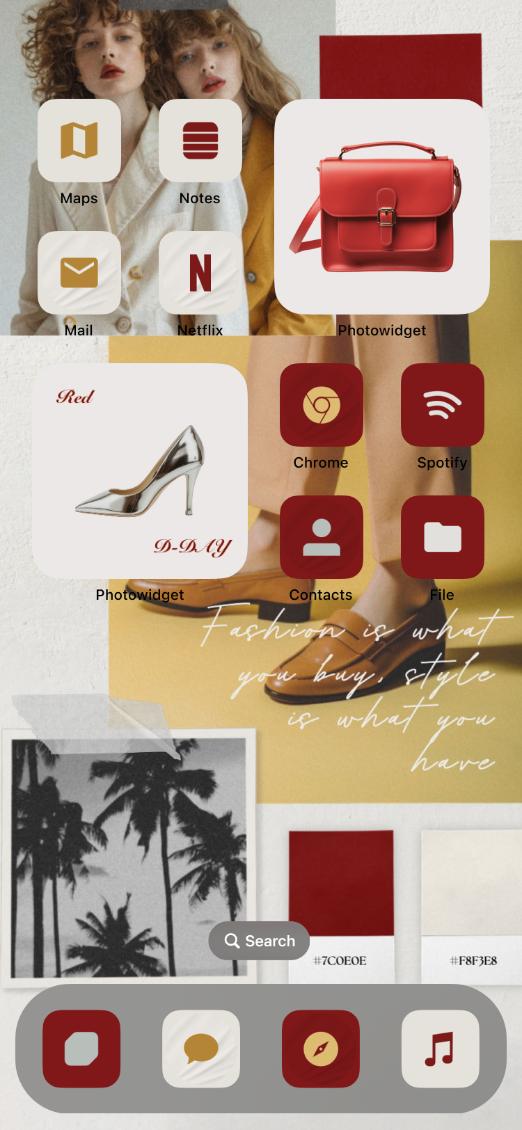
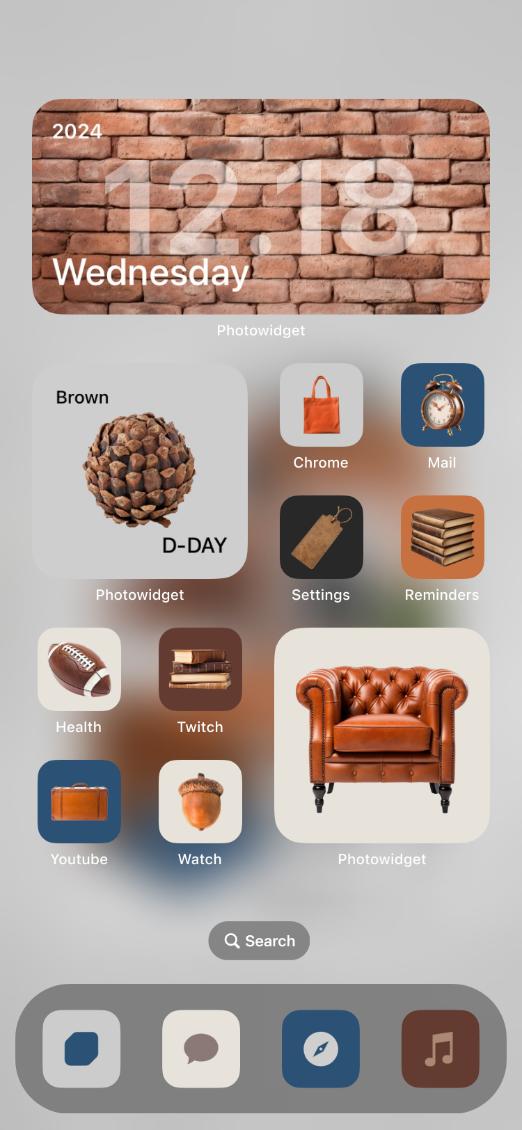
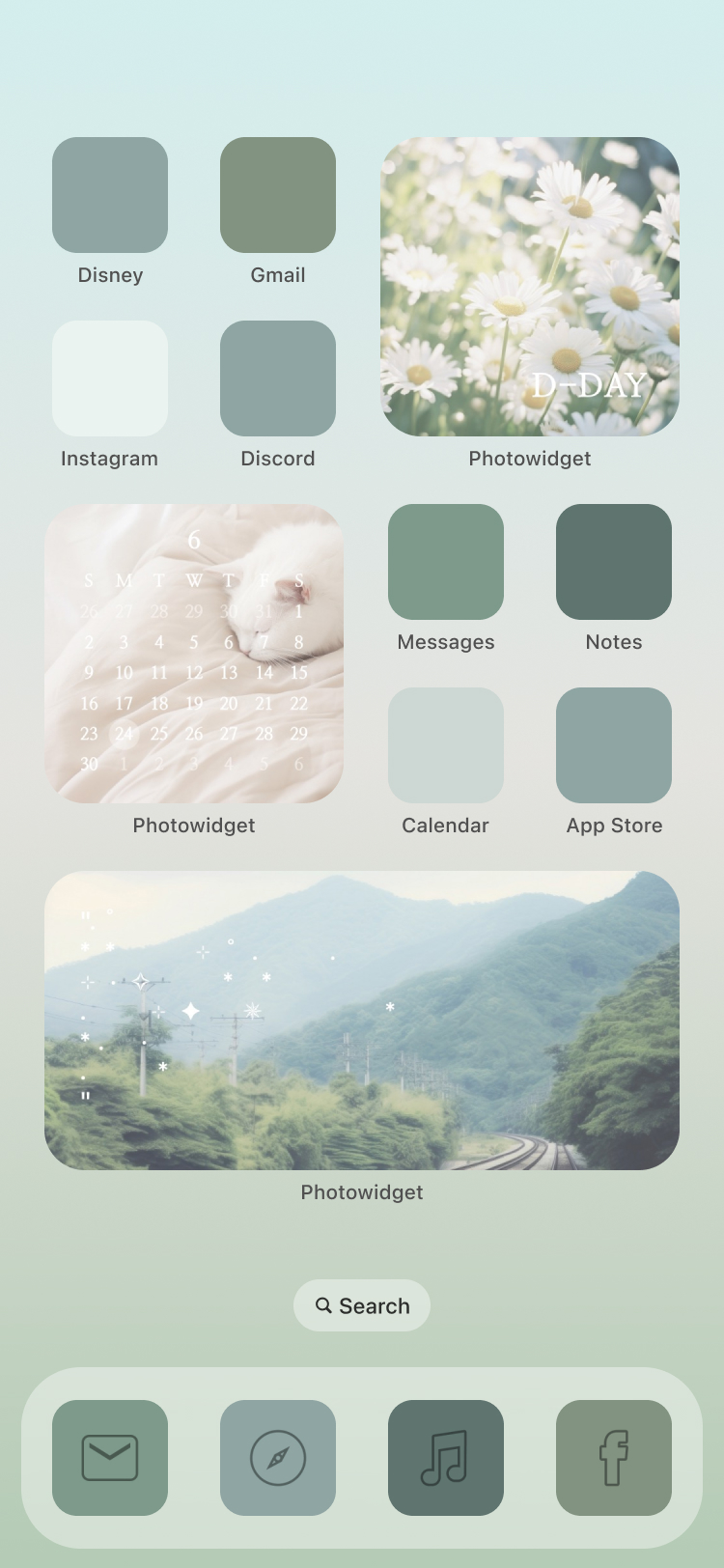
Explore Embrace the Blur, a coordinated iPhone Home Screen style with matching widgets, wallpaper, and icons. Preview the look and use it in PhotoWidget for building a complete aesthetic setup without matching every element manually.


Quick answer
Embrace the Blur is a PhotoWidget theme for building a complete aesthetic setup without matching every element manually. Use it when you want a coordinated iPhone Home Screen style with matching widgets, wallpaper, and icons and a Home Screen setup that feels intentional without building every piece from scratch.
What is Embrace the Blur?
Embrace the Blur is a coordinated iPhone Home Screen style with matching widgets, wallpaper, and icons. It gives your iPhone setup a clear visual direction, so the screen feels coordinated before you add personal photos, daily information, or app shortcuts.
Best use cases
How to apply Embrace the Blur
What to match with it
Pair Embrace the Blur with matching wallpaper, photo widgets, app icon sets, watch faces. Repeat one or two colors from the design, then choose widgets and icons with a similar contrast level. This keeps the setup cohesive while still leaving room for personal photos and useful information.
Styling checklist
Related search intents
Explore what matches this theme
Use this theme as the starting point, then browse nearby PhotoWidget sections to build a more complete iPhone setup.