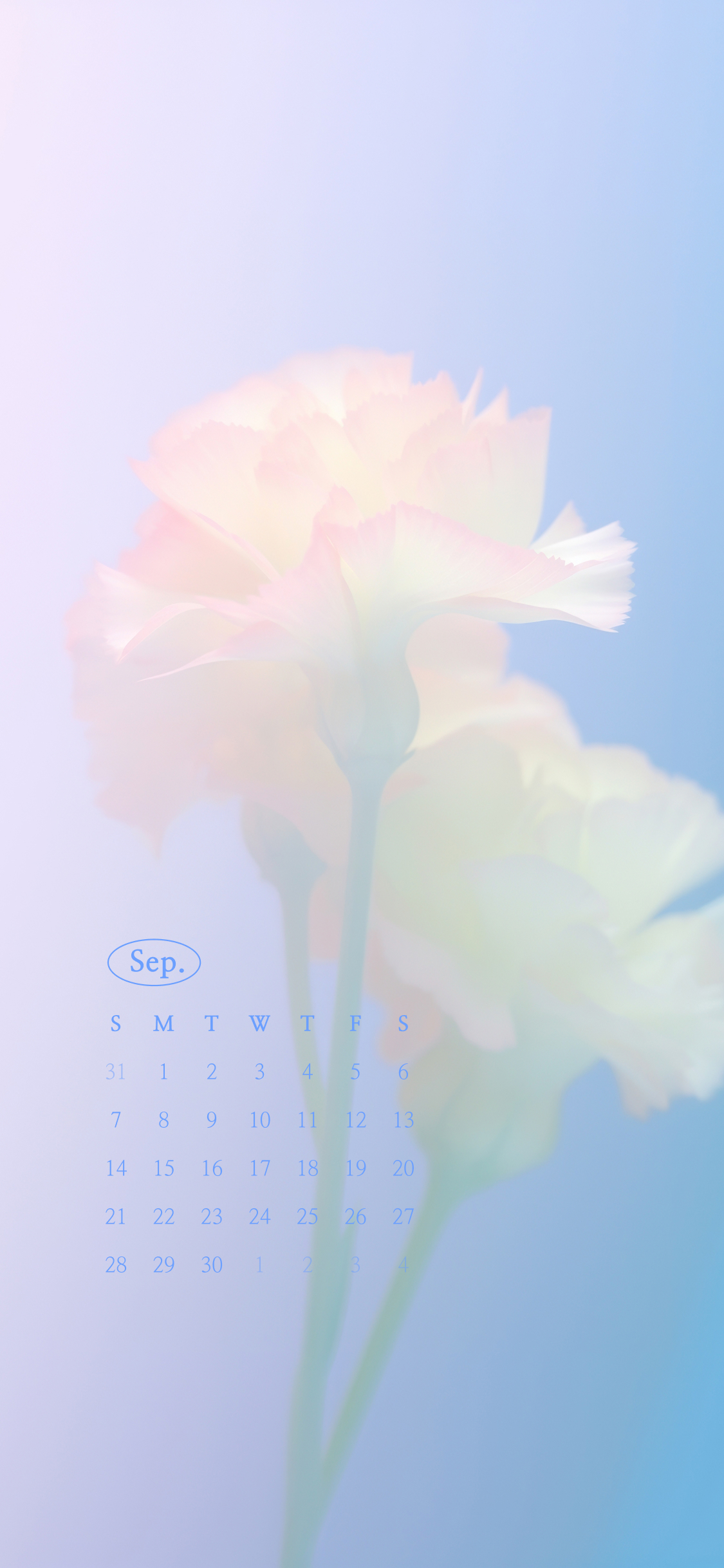
A flower that blossomed in a dream.
Explore A flower that blossomed in a dream., a visual base for your Lock Screen or Home Screen. Preview the look and use it in PhotoWidget for setting the mood before matching widgets and icons around it.



Quick answer
A flower that blossomed in a dream. is a PhotoWidget wallpaper for setting the mood before matching widgets and icons around it. Use it when you want a visual base for your Lock Screen or Home Screen and a Home Screen setup that feels intentional without building every piece from scratch.
What is A flower that blossomed in a dream.?
A flower that blossomed in a dream. is a visual base for your Lock Screen or Home Screen. It gives your home screen a clear visual direction, so the screen feels coordinated before you add personal photos, daily information, or app shortcuts.
Best use cases
- Building a home screen setup around one consistent mood
- Finding PhotoWidget wallpapers for setting the mood before matching widgets and icons around it
- Saving time when you want a polished screen without manual matching
- Comparing visual styles before applying them in the app
How to apply A flower that blossomed in a dream.
- Open PhotoWidget on your phone.
- Browse the wallpapers section.
- Preview A flower that blossomed in a dream. and check how it fits your screen.
- Save or apply it, then match it with related widgets, wallpapers, icons, or watch faces.
What to match with it
Pair A flower that blossomed in a dream. with photo widgets, calendar widgets, icon sets, complete themes. Repeat one or two colors from the design, then choose widgets and icons with a similar contrast level. This keeps the setup cohesive while still leaving room for personal photos and useful information.
Styling checklist
- Keep the wallpaper and widgets in the same color mood.
- Use icon sets when you want the whole screen to feel finished.
- Add one useful daily widget, such as calendar, clock, D-Day, memo, or battery.
- Leave enough empty space so the design feels easy to scan.