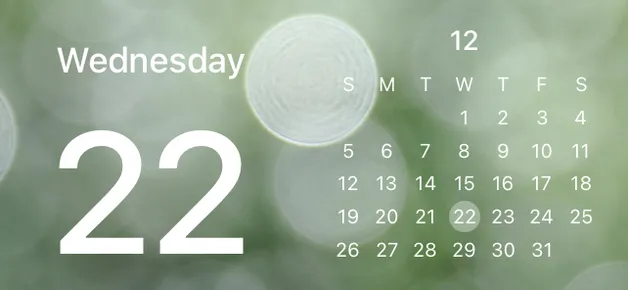
Wagging the tail gently
Explore Wagging the tail gently, a ready-made PhotoWidget layout for your Home Screen. Preview the look and use it in PhotoWidget for adding useful, pretty information blocks to your screen quickly.




Quick answer
Wagging the tail gently is a PhotoWidget widget for adding useful, pretty information blocks to your screen quickly. Use it when you want a ready-made PhotoWidget layout for your Home Screen and a Home Screen setup that feels intentional without building every piece from scratch.
What is Wagging the tail gently?
Wagging the tail gently is a ready-made PhotoWidget layout for your Home Screen. It gives your home screen a clear visual direction, so the screen feels coordinated before you add personal photos, daily information, or app shortcuts.
Best use cases
How to apply Wagging the tail gently
What to match with it
Pair Wagging the tail gently with wallpapers, icon sets, themes, watch faces. Repeat one or two colors from the design, then choose widgets and icons with a similar contrast level. This keeps the setup cohesive while still leaving room for personal photos and useful information.
Styling checklist
Related search intents
Explore what matches this widget
Use this widget as the starting point, then browse nearby PhotoWidget sections to build a more complete home screen setup.