PhotoWidget

Decorating Features

Custom Frames

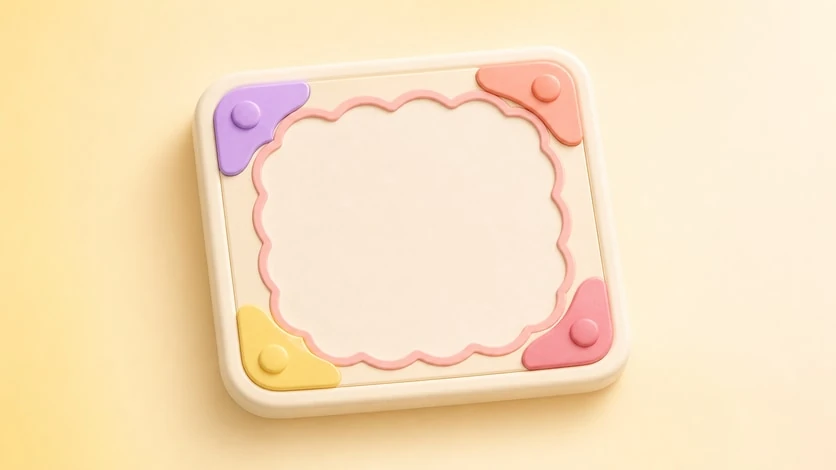
Choose from hundreds of aesthetic frames to perfectly complement your photos and home screen theme.

FrameCustomize
Included in version: v3.2.0
Custom Frames preview

Hundreds of Frames, One Perfect Match


Every photo tells a story — and the right frame makes it unforgettable. PhotoWidget offers hundreds of handcrafted frames across every style.


Frame Categories


  • Classic: Simple borders, rounded corners, shadow effects
  • Aesthetic: Soft gradients, pastel overlays, dreamy edges
  • Vintage: Film strip, Polaroid, retro camera styles
  • Seasonal: Holiday, spring bloom, summer vibes, winter frost
  • Minimal: Thin lines, no-border, floating card

  • How to Use


  • Open PhotoWidget and select your photo
  • Tap the Frame icon at the bottom
  • Browse categories or search by style
  • Preview the frame on your widget
  • Adjust padding and corner radius to your liking
  • Save and add to your home screen

  • Pro Tips


  • Mix frame styles across widgets for a curated gallery look
  • Use transparent frames on gradient wallpapers for a floating effect
  • New frames are added every month — check back often!
  • Refresh your home screen with your photos

    Choose an album in PhotoWidget, tune the size and style, then place it on your screen.

    Download on the App StoreGet it on Google Play