

Set Up Lock Screen Widget
Learn how to add and connect PhotoWidget widgets to your iPhone Lock Screen.
Create WidgetSet Up Widget
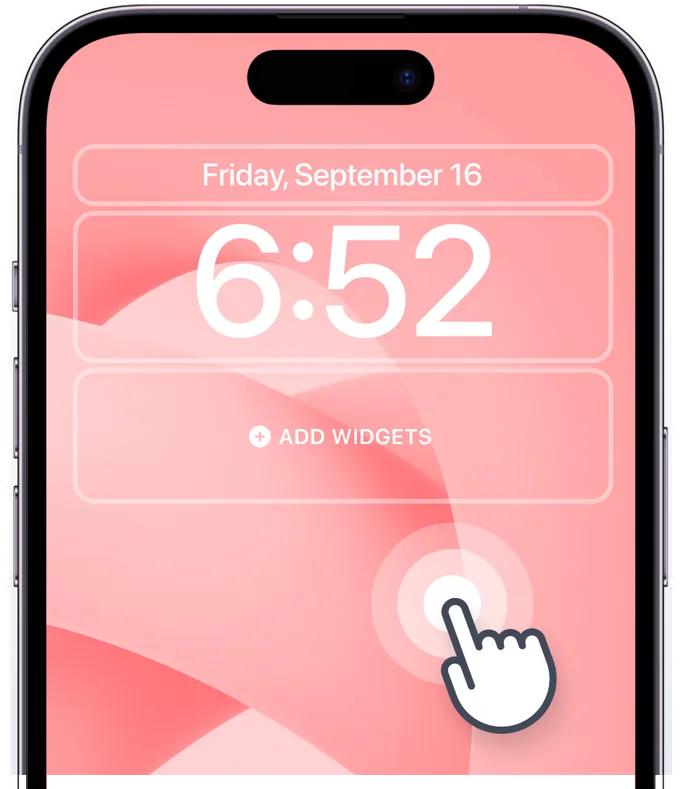
Step 1
Enter Lock Screen Edit Mode
Touch and hold the Lock Screen to enter edit mode, then tap the widget area.
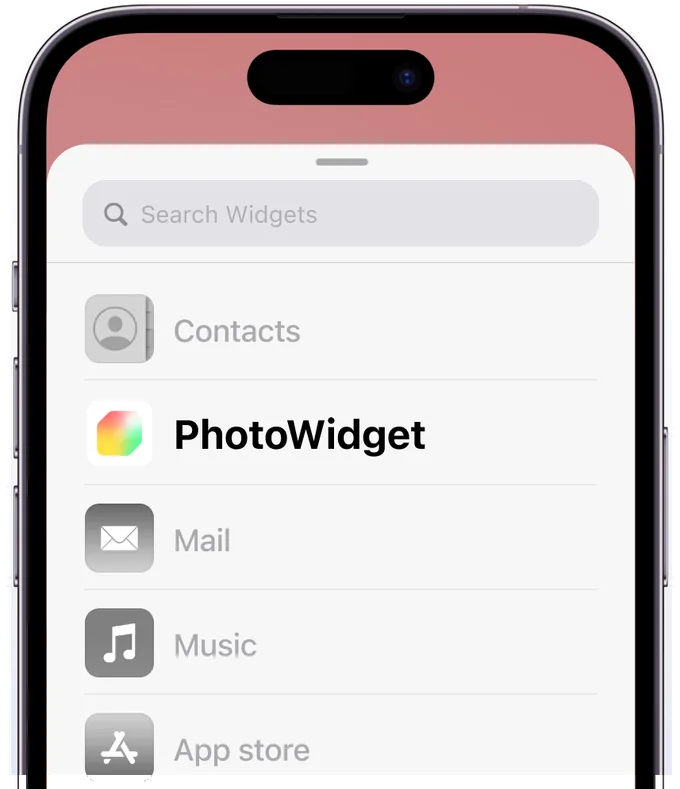
Step 2
Find PhotoWidget in the List
Find PhotoWidget in the list. If it's not there, please restart your device.
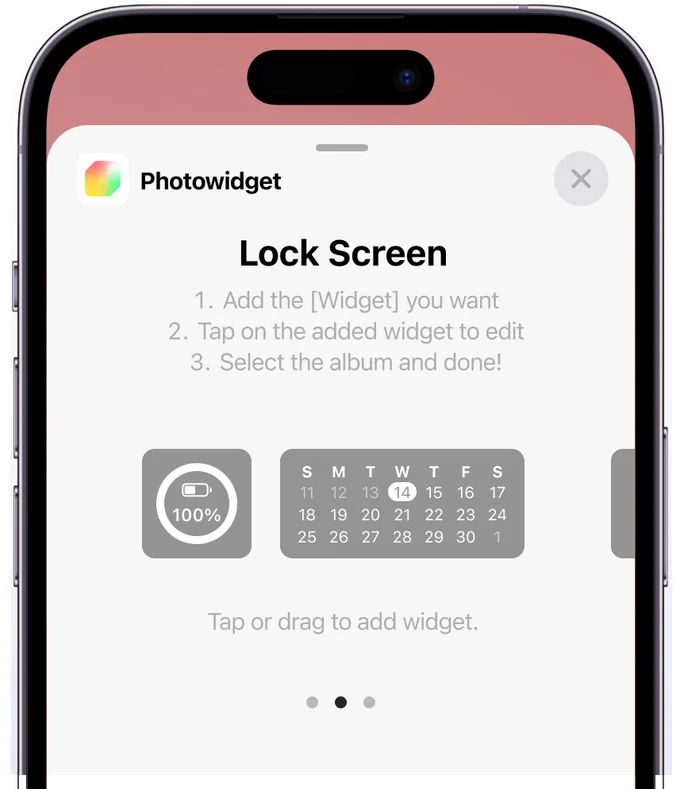
Step 3
Select Widget Size
Add your desired widget size, and tap the added widget immediately.
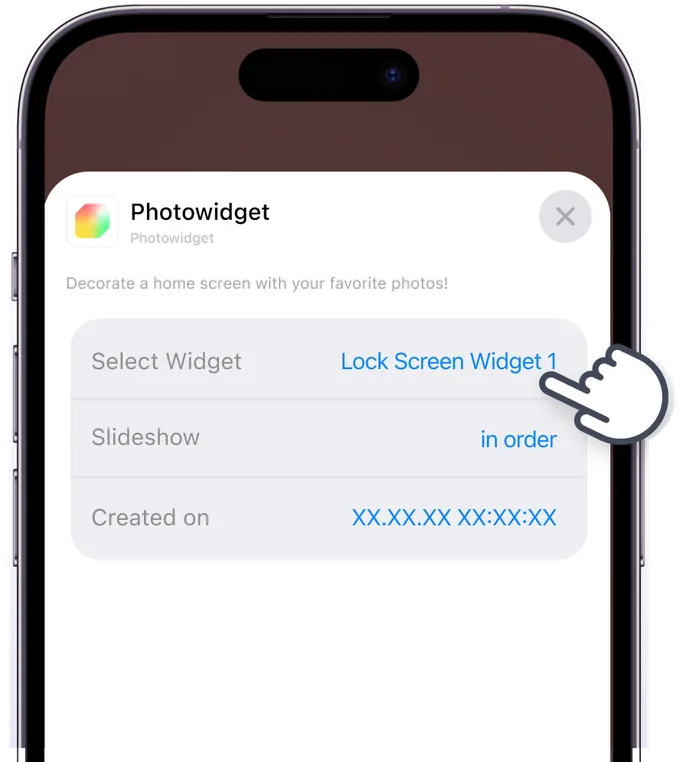
Step 4
Set Up Widget
Select the widget you saved in the app.
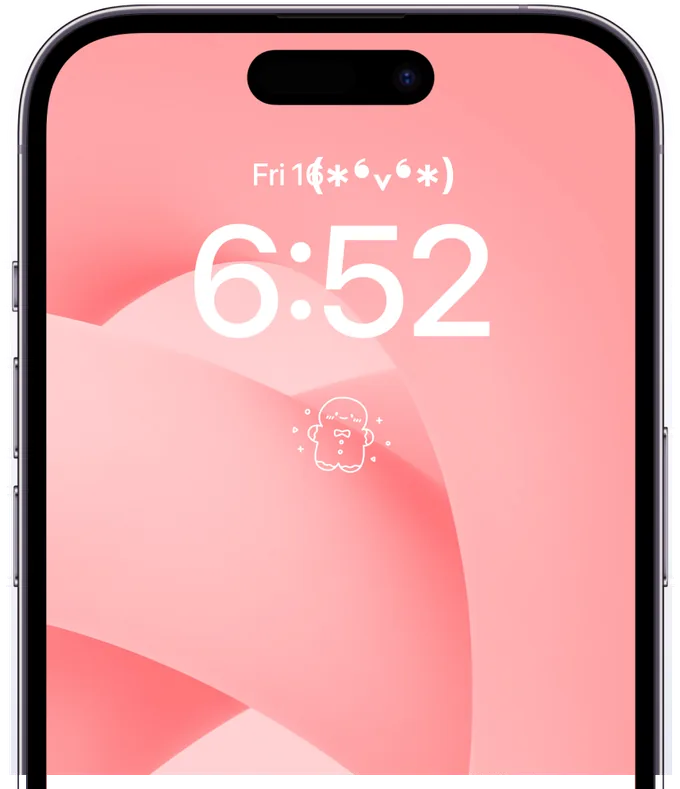
Step 5
Widget Setup Complete!
Check if your widget has been added successfully. Enjoy your beautiful new screen!